Review a replacement batch
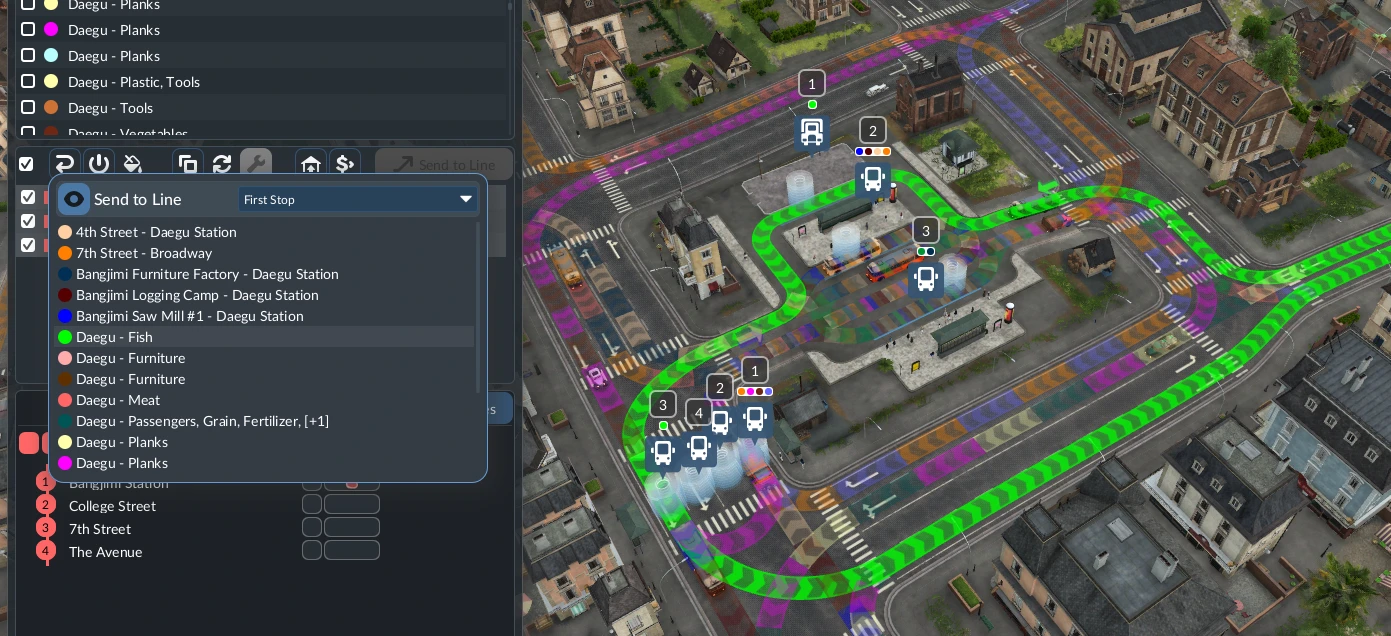
- Back up a valued save. Open Line Manager, clear unrelated selections and filter to the service you intend to upgrade.
- Select that line and inspect its vehicles in the middle area. Check the actual vehicle rows; selecting several lines broadens the action scope. For a first check, keep the batch small enough to inspect individually.
- Use Replace in the vehicle action bar. Choose a suitable model or consist, check cargo or passenger capability and review the displayed selection and cost before confirming. Available actions depend on vehicle type and whether it is running or in a depot.
- Inspect each intended vehicle after the change: model, capacity, line assignment and a completed trip. Compare unselected vehicles too, then apply the same checked process to a larger compatible group.
Replace, rearrange and clone are different
Replace exchanges the whole vehicle type. The train-rearrangement action moves wagons within or between selected trains and can extend a consist. Clone creates a copy in a compatible depot, which may not connect to the original line. Choose the operation that matches your goal.
How to tell it worked
Every intended vehicle has the chosen model or composition and still serves the correct route. A confirmation count alone is insufficient: follow the actual vehicles and check that vehicles outside the batch were unaffected.
If only one vehicle seems to change
Recheck vehicle selection and whether you used Replace or the train-modification action. A current console player saw a multi-vehicle modification count but only one apparent wagon change; replies conflict and do not establish a universal fix. Inspect the trains themselves before repeating a costly operation. If it persists, record the build, platform, selected vehicles and before/after compositions for support.
Related tasks: Open Line Manager · Choose a compatible replacement · Save a purchase-cart composition
Official Transport Fever 3: Highlights
Related official overview, not a recording of this replacement sequence.
Watch on YouTube ↗