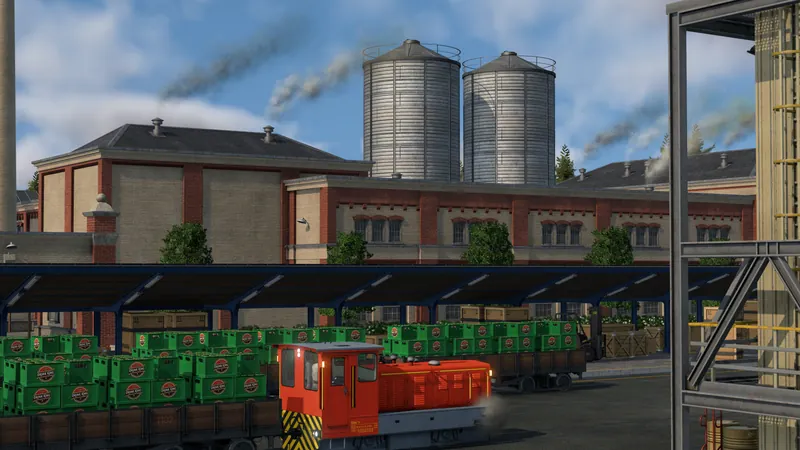
Configure and test one terminal
- Read the actual cargo category on the vehicle and platform. A return trip unloading grain and loading meat handles different categories; do not specialize the entire terminal for only the outward load.
- Select the station and open Configure. Check the modules beside the terminal actually assigned to this line. The manual documents rail extensions in 40-meter modules; check the usable cargo-wagon length rather than treating locomotive length as cargo space.
- Provide matching modules for the recurring cargo and universal capacity where flexibility is useful. Keep a copy of the existing layout and change one section at a time. A platform attached to another terminal is not evidence that this train uses it.
- Watch the same train unload and load, using the same cargo quantity and simulation speed. Read its handling display and compare the time at the stop. Separate a loading operation from waiting for a full load or being blocked by another vehicle.
- If warehouses are involved, compare the same cargo source. The player test reports a separate specialist-warehouse effect; a train collecting directly from an industry does not demonstrate that warehouse effect. Confirm that freight actually passes through the warehouse before paying for one.
Industries & Cargo
Origins, cargo categories, loading infrastructure and transfers.
Watch on YouTube ↗Official pre-release overview. Use the written checks for this task; older videos may describe plans that later changed.
Why can a mixed platform show a smaller bonus?
The October 8 rail test reports matching platform sections at 2×, universal sections at 1× and unsupported or overhanging sections at 0.25×, combined over the cargo-wagon length. It also reports a separate warehouse multiplier. These are player-derived rates with follow-up questions, not a verified formula for every vehicle or mod; do not multiply the portrait percentage by another guessed vehicle bonus.
The practical test is whether your chosen terminal handles the intended mixed train faster. The official manual confirms the specialization trade-off without publishing this formula. Exact airplane behavior, UI percentage composition and reported bulk/goods anomalies remain unverified.
How to tell it worked
The same cargo quantity moves in less time at the intended terminal, both directions still work, and the improvement survives another arrival. Record the build, wagon consist, platform modules and actual source stock. A bigger displayed percentage alone is not proof of higher completed deliveries.
If handling is still slow
- No cargo moves: use the cargo and receiver check. Platform speed cannot create a valid destination.
- The train waits after loading stops: inspect departure rules rather than adding platform modules.
- The warehouse fills but nothing leaves: trace the outgoing pickup; matching storage is not an automatic factory conveyor.
- Road vehicles queue: use the truck station length and access check. This page does not turn a rail test into a universal truck formula.