What to do
- Back up the save, then install and enable Smokeystatue's Auto Track Connector, ID 6429593. Check the current author notes against the version actually installed.
- Open Tracks > Tools. Select a track end, free platform end or whole station, then the destination. The separate Road Connector is under Roads > Tools.
- Compare Recommended, Best and Cheapest. Read the length, bridges, tunnels and price; point at a route to inspect its local speed limit, grade and curve. The author says long routes can take up to a minute to plan.
- Choose the track count: the author supports 1 to 6 parallel tracks with switches near both ends. Shift-click multiple platform ends when you want direct station connections. Inspect proposed crossings and any houses the route would remove.
- Click to reach confirmation, check the numbers and build only the route you intend. Hold Shift to construct part of the route and change settings for the remainder. The mod refuses construction you cannot afford.
- Right-click returns one step and Esc closes the tool. The author lists controller A for selection/building, B for back and Y for settings. After building, inspect joins and signals, then test a compatible train.
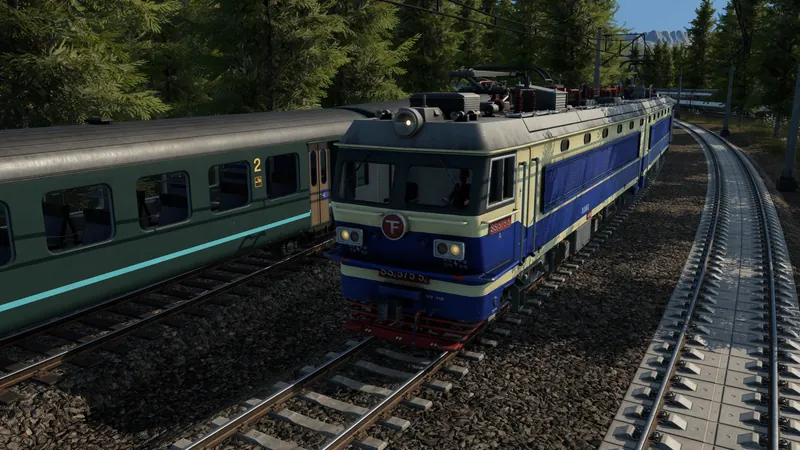
Official base-game construction overview. It does not demonstrate this optional mod; the procedure comes from its author.
How to tell it worked
Real track connects the intended endpoints and the train completes the route. A preview alone is not built track. The author says built track remains after the mod is removed.
If the result is wrong
No tool: verify the active mod and Tracks > Tools. No affordable route: check the displayed cost before changing the corridor. A built route with waiting trains still needs valid line stops, electrification and signaling; automatic construction does not verify the whole service.