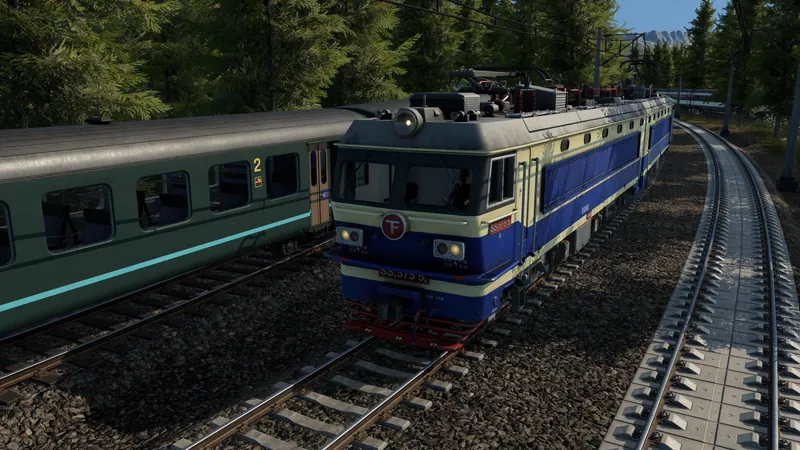
What to check and change
- Define the problem you are buying for. Choose a specific goal: clearing a cargo loading queue, carrying more passengers, reducing a slow trip or improving environmental impact. If you cannot name the limiting leg, observe the current service before buying another vehicle.
- Eliminate unsuitable candidates. For freight, verify the cargo category. For a mixed tram/rail route, verify light-rail capability. Physical route and cargo suitability come before a comparison of headline specifications.
- Use the purchase comparison. Compare the same required service across candidates. For loading delays, pay attention to loading speed and the compatible loading infrastructure. For passengers, consider comfort and journey speed. For a city environmental problem, inspect noise and pollution alongside capacity.
- Include the existing vehicle and route costs. Compare the candidate with what you already run, not only with the most expensive new model. Estimate whether a capacity or speed change will be used on this route. Do not invent payback periods from unverified fares or operating-cost numbers.
- Test a limited change and observe. When the build permits the intended purchase or assignment, change the smallest useful part of the service and follow actual boarding/loading and the trip. Check maintenance coverage if a suitable vehicle later performs poorly. Keep the result before expanding the change.
Official pre-release footage. Older plans may change; the written answer states what is established and what still needs a build check.
How to tell it worked
The selected vehicle can operate the intended service and improves the measured bottleneck without unacceptable route costs or environmental effects. The comparison screen supports a choice; the actual trip establishes whether it helped.
If you are still stuck
- The faster vehicle makes little difference: Inspect waiting, traffic, signals or loading. A higher speed cannot remove an infrastructure delay.
- Freight still does not load: Return to cargo capability and loading point checks. Comparison attributes do not override an incompatible cargo class.
- You want a best-vehicle tier list: A complete release roster and measured route benchmarks are not available in the cited source. This page provides a selection process rather than an invented universal ranking.