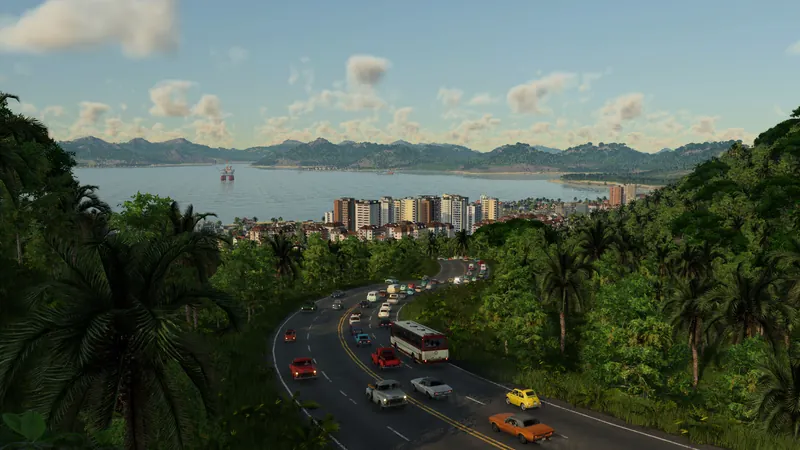
Town Zoning by tsab_: polygon workflow
Use the mod installation and save-activation checks first. Confirm the author is tsab_ on the linked listing, then work on a copy of your save.
- Open the zoning layer at the upper left. Choose residential, commercial, industrial or no-build, then select Draw zone.
- Click the corners; click the first corner again to close the polygon. Right-click undoes the last corner while drawing.
- Select the finished zone to change its type/settings or delete it. Drag a corner to move it, double-click an edge to add one, or right-click a corner to remove it.
- Choose the replacement behavior below. Reopen the layer whenever you need to inspect the zone outlines.
- Keep until rebuilt: existing mismatched buildings remain; new construction must match.
- Replace now: mismatched buildings are removed immediately.
- Only here: this town's district type is confined to its matching zones. Leave enough space.
Zones filter construction; they do not spawn buildings. Empty areas need demand and a suitable growth location. Removing this mod drops its zones from the save.
If your button is beside the Bulldozer
Kres K's Town Zoning Tool v1.0.0, updated October 8, uses a brush. Its author describes this separate sequence:
- Open its button beside the Bulldozer, choose a district type or No buildings, and select a brush size from 50 to 1000 metres.
- Hold the left mouse button to paint. Matching areas join; painting another type replaces the zone designation. Use Eraser to remove zoning.
- Use its Towns overlay to inspect district types. Existing buildings of the wrong type are cleared, with money and reputation costs, while roads and player-built infrastructure are left alone.
Do not look for tsab_'s preservation option in this older brush interface. These are different authors' tools, not a verified upgrade path between releases.
Tycoon
Official context for town growth. This video does not demonstrate or endorse either community zoning mod.
Watch on YouTube ↗Check the zone before expecting new buildings
First verify the outline, assigned type and selected replacement setting. Then inspect what happens as that same town develops. Save a comparison point before changing a second district. A correctly drawn boundary and an immediate population increase are separate outcomes.
If the area stays empty, compare its available space and the town's growth and supply diagnosis. Avoid repeatedly clearing a mature district just to test whether the control responded.
Base game and platform limits
The official town manual describes autonomous development. Urban Games' July 9 developer reply says player-owned roads can constrain building in some areas, but do not provide full zoning control. That dated statement is not a procedure for painting districts in the unmodified game.
PS5 users report a version 1.0 UI crash on tsab_'s listing; the author acknowledges it and plans a fix. This guide therefore does not claim working console controls or a released repair.
For achievement eligibility, check the save and mod restrictions before starting an achievement run. The presence of a download does not establish that your save meets those conditions.