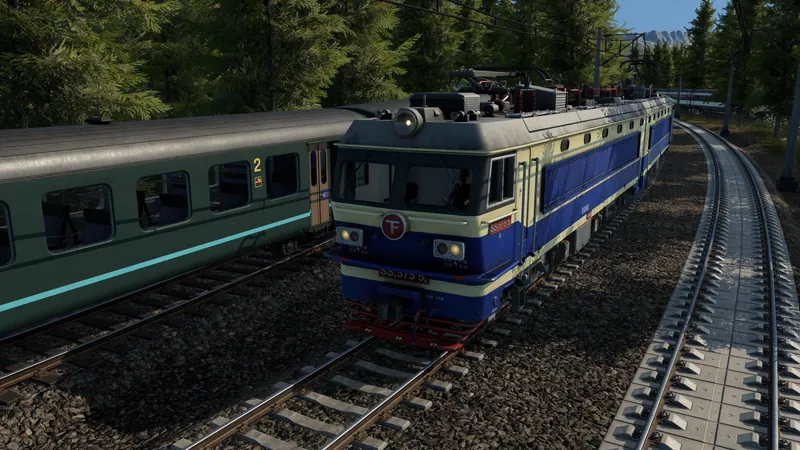
What to check and change
- Choose the infrastructure type and mode. Select the road or rail type appropriate to the service you are building. Decide whether to use continuous construction or the classic approach. This choice concerns construction input, not line creation or vehicle assignment.
- Click the starting point. In continuous mode the first click starts the segment. Position the proposed endpoint and inspect the live preview before the second click. Check the connection at the start as well as the proposed direction.
- Adjust the preview height and slope. Use the announced construction parameters rather than repeatedly accepting an unsuitable segment. Inspect its alignment with existing infrastructure and nearby obstacles. No universal maximum grade or final keyboard binding is established by the source.
- Use snapping guides where helpful. The announced guides assist parallel and angled roads or tracks. Inspect the resulting connection and geometry instead of treating a snapped visual alignment as proof that the service has a complete route.
- Build and inspect the segment. The second click builds the preview in continuous mode. After construction, check the actual result and the next intended connection. Use junction checks for road movements and line routing when the completed infrastructure is meant to carry a service.
Official pre-release footage. Older plans may change; the written answer states what is established and what still needs a build check.
How to tell it worked
The built road or track follows the intended alignment and connects to the next usable part of the network. Once a service is assigned, a vehicle can traverse the affected route; construction alone does not create a working transport line.
If you are still stuck
- The controls do not match a familiar TF2 gesture: Check whether continuous or classic mode is active. Their input sequences differ; the developer explicitly retains classic building as an alternative.
- The preview conflicts with existing infrastructure: Adjust the endpoint, height or slope and inspect the connection again before confirming. Avoid assuming a bridge or tunnel will be created by an unverified shortcut.
- The road is built but vehicles do not use it: Check the service path and permitted junction movements. A piece of infrastructure can exist without being part of the intended line.