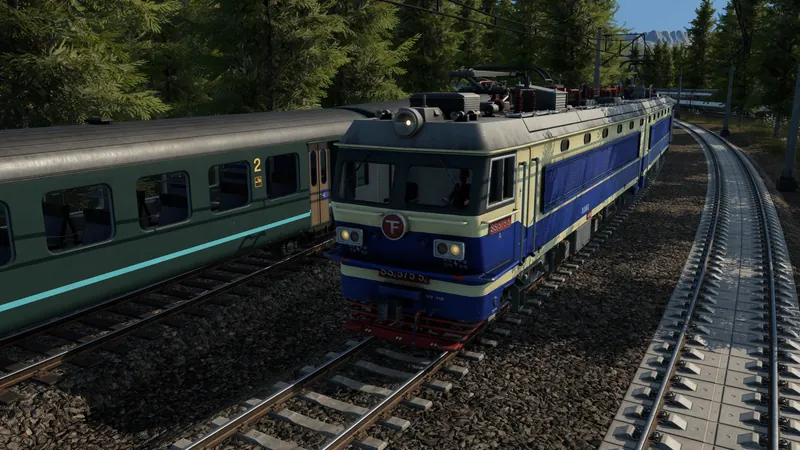
Configure the building and approach
- Preserve the working layout before rebuilding. Save a copy if this is an operating station. Note the terminals used by its lines and keep their track and pedestrian connections in view. For a new station, leave space on the side where you want the entrance instead of building the surrounding street first.
- Enter module configuration. Select the station, choose Configure and use the module categories at the bottom. The official manual describes a white configuration view and blue placement positions. Select the intended entrance or building and inspect its actual preview.
- Check the permitted position and footprint. Modules have placement restrictions. Some fit on other modules, and same-size modules can replace one another. If the building has no legal preview, reconsider the adjacent station modules and available space; do not assume any free ground beside a track accepts it.
- Change only the necessary module. To remove a module, use the bulldozer inside Configure. The ordinary bulldozer outside this mode can remove the whole station. Recheck the affected terminal and track connection after each change, then use ESC to leave configuration when finished.
- Connect the entrance to the street. Provide a valid pedestrian route to the passengers or connecting stops. Cargo coverage alone does not establish passenger access. Select the stop and inspect passenger reachability; use the walking-transfer checks for a connecting bus or tram service.
- Run the intended journey. Check that the arriving vehicle still reaches its assigned passenger terminal, people can use the entrance and passengers for that journey board. Follow an onward trip rather than treating a newly placed building as proof that the line works.
A larger building when starting a new station
In the linked player discussion, Volvice suggests starting with the 7-track, 80 m preset to obtain its large building, then removing unneeded tracks. This is one player's layout suggestion; the question's author did not post a successful retest. Inspect your current preset and preview before committing. It does not establish that seven operational tracks are required to keep every large station building.
Other replies recommend placing the station and desired buildings before building the nearby road. That ordering can reveal the space requirement early. It does not remove module restrictions or prove that a building can attach without the surrounding platform arrangement it needs.
Check capacity separately from appearance
The manual says longer platforms and some side buildings can add capacity. Read the station window's terminal capacities and combined waiting halls after a change. A bigger-looking entrance does not by itself demonstrate that a platform is long enough for a train or that a busy line has enough capacity.
Official pre-release overview of base-game infrastructure. It is not a demonstration of the exact station footprint or the player preset suggestion described here.
How to tell it worked
The selected building is accepted in a legal module position, its entrance has a valid pedestrian connection and the intended terminal remains connected to the line. Passengers completing a useful journey can reach it and board. Check another arrival before extending the hub or removing the saved working layout.
If the building still will not fit
- No legal placement is offered: inspect the module size, permitted attachment positions and nearby obstacles. Try the change in the saved copy before rebuilding a live station.
- One side cannot be expanded in a modded save: preserve the build and exact mod list. The sources here do not identify a proven fix for the reported elevated-track-mod case.
- The building fits but passengers do not board: inspect the walking connection, line direction, assigned terminal and boarding settings.
- You need an underground stop: use the separate underground tram setup. This modular surface-station guide does not establish the underground stop's availability year.
Related tasks: Configure alternative platforms · Cargo platform modules · Connect the track approach