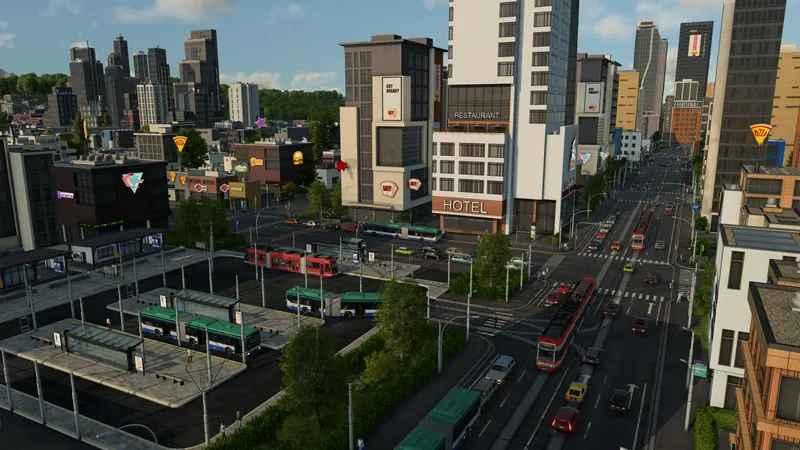
What to check and change
- Choose the exact service to edit. Inspect its current stop list and one vehicle on the line. Note the intended passenger or cargo journey, including the return direction. This makes it possible to compare the old route with your intended change.
- Reorder stops in the list. The announced interface lets you drag and drop stops within the list. Move the relevant entry to its intended position and inspect the new sequence. Check any repeated stop entries individually rather than assuming the outward change also fixes the return journey.
- Adjust or move a stop when its location is wrong. The announced Line Manager also allows stops to be selected and edited directly in the world. Check the new position against the physical connection and the service it should serve. Exact confirmation controls remain build-dependent; this does not authorize moving unrelated station infrastructure.
- Inspect the new path before judging performance. Check every affected leg and ensure the next stop is reachable. If the order is correct but the corridor is wrong, use a passing point. If a train queues at its terminal, use the railway route check.
- Follow an actual complete run. Observe the edited vehicle through the changed stops and the return. Check passenger transfers or cargo handoffs that depended on the old location. Treat an attractive line preview as a proposed route until the vehicle completes it.
Official pre-release footage. Older plans may change; the written answer states what is established and what still needs a build check.
How to tell it worked
The line list has the intended order, its displayed route connects those stops, and a vehicle completes the changed sequence with the intended passenger or cargo service. Check both directions when the change affects them.
If you are still stuck
- The vehicle takes a detour: Confirm the stop order first, then inspect physical links and passing points. Stop sequence and chosen corridor are separate decisions.
- Cargo gets stranded after a stop move: Use the warehouse handoff checklist at the affected transfer; a moved service can leave its intended storage connection behind.
- Passengers arrive at the wrong transfer: Inspect the onward service and the changed stop location. Reordering one line does not automatically change all connecting services.