What to do
- Keep an untouched save backup before enabling or changing this mod. A user reports a crash when removing it or lowering passenger multipliers; the checked author reply asks about other capacity mods and does not establish a fix.
- Install and enable Vehicle Capacity Multiplier, ID 6407946. Open its mod options before starting or loading the test save.
- Choose the relevant vehicle type and capacity multiplier. Leave unrelated categories unchanged. The author says it adjusts both base-game and mod-added vehicles.
- If you want this mod to override other capacity settings, place it last in the load order, as the author instructs. Review conflicts before loading the save; this is not a compatibility guarantee for every mod.
- For Real Passenger Seats, one player reports keeping passenger multipliers at 1× and changing freight only. The author repeats this limited combination in the description. It does not resolve the separate removal-crash report.
- Load the backed-up test save, inspect the affected vehicle's displayed capacity and observe a trip before saving over ongoing progress. Check costs separately: an automatic price/cost multiplier was requested, but the author only said they would investigate.
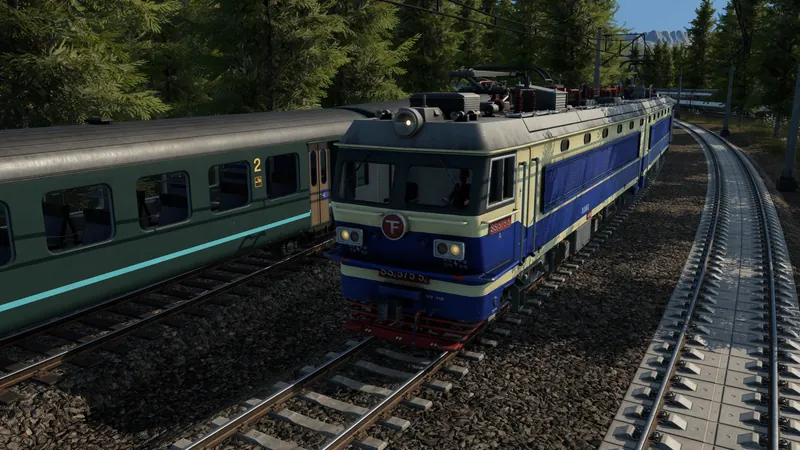
Official base-game construction overview. It does not demonstrate this optional mod; the procedure comes from its author.
How to tell it worked
The selected vehicle category shows the intended changed capacity and the service still works. Capacity does not guarantee demand, loading access or profitable operation. Use vehicle comparison to evaluate the actual route.
If the result is wrong
Unchanged capacity: recheck the selected category, active mod and load order. A crash after reducing capacity or removing the mod has no confirmed remedy in the checked discussion; return to the untouched backup with its original setup and preserve the versions and mod list for a report. Do not assume removal from an occupied save is safe.