Test the label workaround
- Keep a repeatable view. Load the affected save, pause or use the same simulation speed, and point the camera at a city where the stutter occurs. Notice the hitch while names and icons are visible; you do not need to delete a city or change the map.
- Turn off Cities. Open the Layers control in the upper-left corner. In the bottom layer options, choose the Cities layer and disable its displayed names/symbols. That is the menu path given by the player who reproduced this release issue.
- Compare with the same camera position. Pan and zoom over the same area at the same simulation speed. If the hitch stops, briefly restore Cities to check that the difference follows the overlay, then disable it while you play if the hidden labels are acceptable.
- Isolate other labels if needed. Another player in that discussion reported gains from disabling vehicle and train overlays too. Toggle one layer at a time, keeping the view fixed, so you know which display causes your problem. Hiding several at once cannot identify a specific culprit.
Tycoon Gameplay Overview
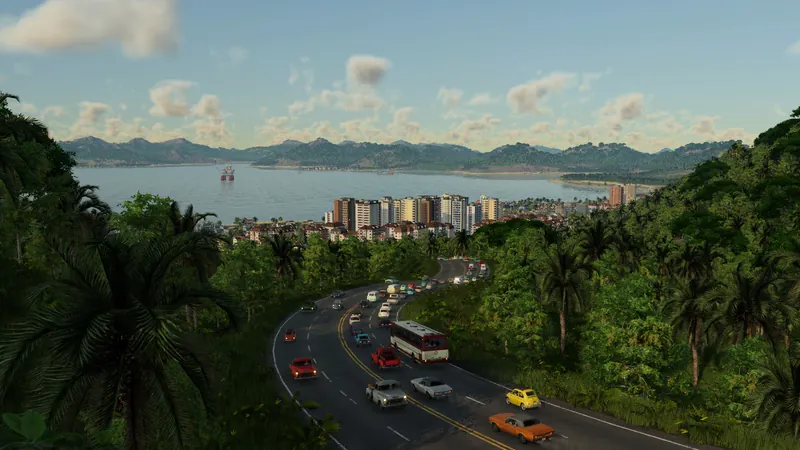
Shows TF3 town and map presentation; it is not a demonstration of this release-player workaround.
Watch on YouTube ↗How to tell the test helped
With only the Cities layer changed, the same map view pans more smoothly or its recurring hitch disappears; turning Cities back on brings the problem back in that save. This is a local A/B check, not a measured FPS promise. A community representative acknowledged similar reports in the linked discussion but did not announce a fix there.
If the map still stutters
- Labels off, no change: restore any labels you need. This particular workaround does not explain your hitch. Check whether it happens only while moving the camera, during autosave or on a crowded map, and compare with the listed hardware requirements.
- Some improvement, but still slow: test vehicle and train overlays separately. Record the same save, view, layer state and hardware when reporting the problem; do not infer that subsidies caused it merely because a subsidized city was in view.
- You need city names visible: this workaround trades map labels for smoothness. Re-enable them when navigating, then disable them for the affected view if useful; check official support for a later fix. The September player thread does not provide a permanent repair.