Decide whether it should exist yet
- Read the current town demand. Select the town and open Supplies, then inspect the commercial or industrial district that needs the product. Use its actual cargo icons; a product available elsewhere is not automatically needed by this town.
- Check growth before waiting for another cargo type. Complete useful passenger trips and deliveries of the goods already requested. The XP and ratings checklist helps distinguish stalled growth from a missing factory.
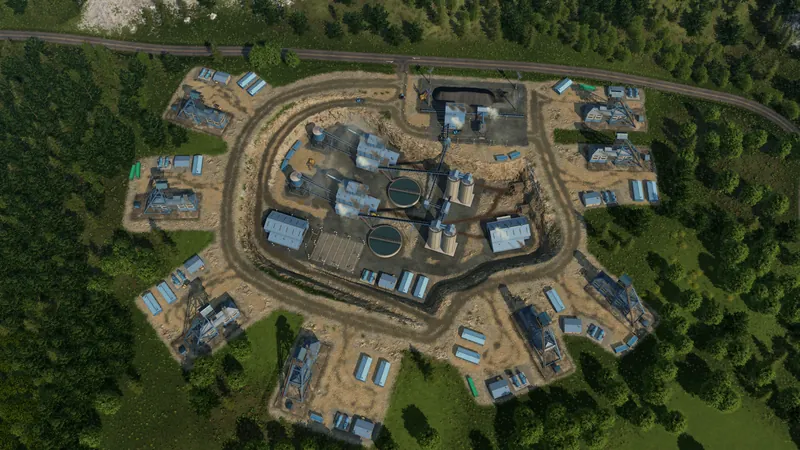
- Look for the new industry notification and map supply. When demand increases or a new product is requested, inspect the cargo layer and the relevant industry list. The current manual confirms dynamic spawning but does not give a fixed delay or a guaranteed location near the town.
- Check the climate and the actual recipe. For example, Paper Mill and Printing Press are Subarctic-only in the current manual. Canned Food uses Sheet Metal with Fish or Meat; the Dry climate has no Fishing Grounds. Use the complete canned-food chain instead of searching for an excluded fish supplier or substituting Steel for Sheet Metal.
- Distinguish starting settings from manual placement. For a new world, New Game → Settings → Civilization contains Industry Density; Gameplay Settings → Economy contains Industry Target Density. For deliberate placement, enable Sandbox Mode in Add Mods and use the world-editing mode guide. Changing density is not a command to spawn a named factory immediately.
Industries & Cargo
Origins, cargo categories, loading infrastructure and transfers.
Watch on YouTube ↗Official pre-release overview. Use the written checks for this task; older videos may describe plans that later changed.
Missing raw material nearby? Use the unlocked resource prospecting checks. A municipality search does not guarantee a processing factory at a chosen coordinate.
How to tell the dependency is met
The town displays the new end-product demand and the necessary industry appears on the map. That is the useful checkpoint; a certain number of days passing is not a published trigger. Then build the route that supplies its inputs and delivers its output.
If it still is not there
- No new town demand: keep diagnosing growth. Completed trips and required-goods deliveries earn XP; weak city ratings can reduce its effect.
- The expected raw material is absent: check whether the climate uses another branch, as with meat instead of fish for canned food on arid maps.
- The town demands the product, but no supplier is visible: search the full map and confirm the game version. Check the active economy and mods as well as the climate. No fixed spawn delay or placement is established here; preserve the save and demand state if the required chain never appears.
- The industry exists but makes too little: switch to the production and booster check; that is a different problem.
A previously present factory disappeared? Use the closure-warning and broken-route checks; initial industry availability is a different task.
If your goal is direct industry placement, compare the Sandbox world tools with ordinary Tycoon settings.