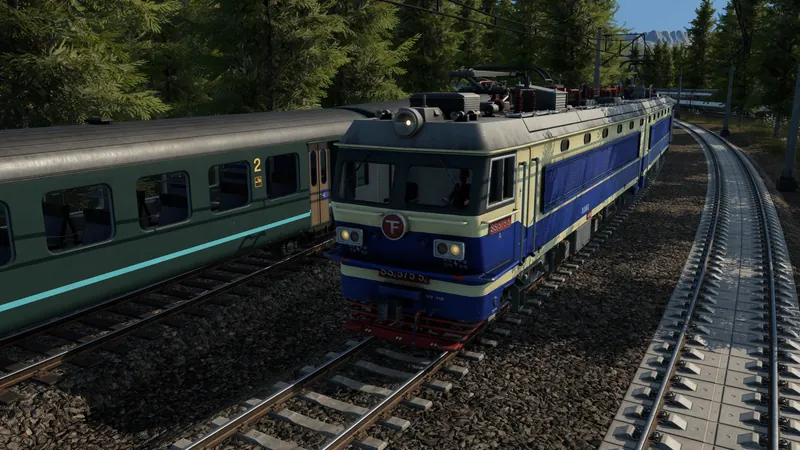
What to do
- Find a real conflict. Follow a delayed train to the shared section and check the competing service. If a train cannot reach its stop at all, inspect the physical route and signals first.
- Choose the line that needs preference. Open the train line's details window. The current manual places the priority buttons in its lower-right corner for train and tram lines. Change the priority for this line, then return to the shared section. This affects the line, so check its other vehicles as well; the source does not establish a universal number of priority levels.
- Observe both services at the conflict. Watch how approaching trains reserve the track and whether the preferred service avoids unnecessary braking. The lower-priority train may wait at a red signal until it can continue.
- Check what the other line loses. A priority change can shift delays rather than remove them. Watch the other service’s queues and cargo delivery timing, especially if express passenger traffic shares a busy freight corridor.
- If the track remains saturated, change the network. Review passing opportunities, signals and alternative terminals. TF3 uses path-based signaling; priority is a scheduling preference within a usable layout. Use waypoints when the goal is a different corridor instead.
Official pre-release overview. Use the written checks for this task; older videos may describe plans that later changed.
How to tell it worked
The chosen service gets useful preference at the observed conflict and the lower-priority service can still progress. Compare delays before and after over several encounters; a green signal in an otherwise empty network does not demonstrate a priority improvement.
If you are still stuck
- Every line has higher priority: That does not establish a useful relative preference. Choose the service whose delay matters and compare the conflicting lines.
- The preferred train is still stopped: Inspect the occupied route, signal direction and usable passing layout. Do not assume priority cancels an existing reservation.
- Freight becomes late: Rebalance the preference or separate traffic; examine the resulting Delivery rating and throughput.
- The station stays blocked: Check configured alternative terminals and whether all of them can be reached from the station's last signal. Priority does not make an unreachable platform usable.
If the train cannot reserve a path at all, follow the red-signal and terminal checklist before changing priority.