Build the chain from its customer backward
- Select a town's commercial district and confirm demand for Canned Food. Locate a Canning Factory and inspect its Production and Input Stocks. The manual's cargo table also calls this producer Food Factory.
- Choose a food input available on this map: Fishing Grounds supply Fish, or a Livestock Farm supplies Meat after receiving Grain. You do not need both food branches. Read that farm's own recipe rather than imposing a fixed grain ratio.
- Supply a Steel Mill with Iron Ore and Coal. The manual lists 6 Iron Ore plus 6 Coal producing 4 Sheet Metal and 3 Steel. Configure pickup for Sheet Metal and send it to the canning plant; Steel is a different cargo and is not a substitute.
- Use vehicles that support each product. Fish, Meat and Canned Food use Goods handling; Sheet Metal uses Flatbed; Iron Ore, Coal and Grain use Bulk. Check the selected vehicle and any specialized terminal. A compatible universal vehicle can simplify a small test.
- Run the food and metal deliveries, then inspect the factory's input stocks and production. Add a pickup line for Canned Food to the requesting commercial district. At any change of line, provide connected warehouse storage and an onward service.
No canning factory on the map?
The manual lists the Canning Factory in all four climates, but not every industry exists at map start. New industries can spawn as demand rises or a new cargo is requested. Inspect current town demand and industry notifications first. Simply waiting is not a guaranteed unlock at a particular year; no fixed population threshold is established here. Use the missing-industry checks before restarting the map.
Find where the chain stops
- Food arrives but output stays at zero: inspect Sheet Metal stock and the selected input. A truck carrying Steel has not supplied the required metal.
- The vehicle returns loaded: inspect the exact receiver, stop loading selection and free input space. Follow the full-destination checklist; forced disposal is not successful supply.
- Finished cans accumulate: check Goods-capable pickup, the final stop's connection and the commercial district's actual demand. A warehouse beside a town does not serve every building automatically.
- Production works but the route loses money: compare completed trips, delivery timing and costs with the line-income checklist. A complex recipe does not guarantee profit or require the longest possible route.
Check a complete production and delivery cycle
The factory consumes the correct food input and Sheet Metal, produces Canned Food, and a compatible vehicle delivers it to the intended customer. Watch receiving stock or supply, not just an empty vehicle. Recipe quantities are per rule, not a fixed annual capacity or fleet-size recommendation.
Czardus: the canned-food chain
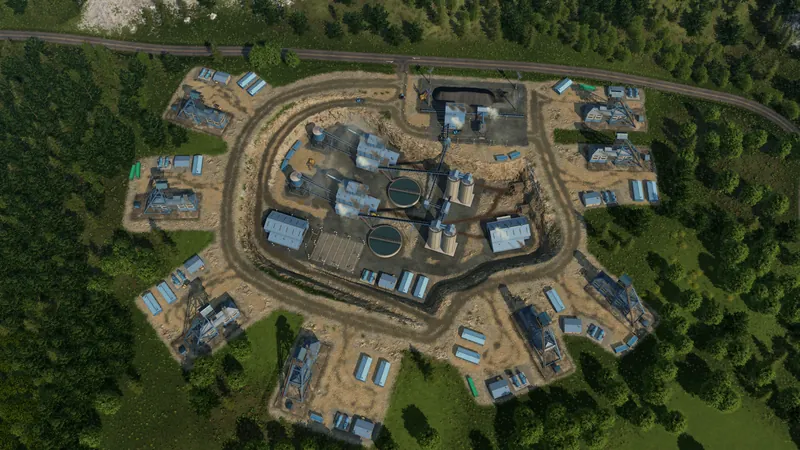
Related October 7 tutorial. Its description covers fish, sheet metal, the factory, warehouse and retail delivery. The written recipe above follows the current manual; the video image is illustrative.
Watch on YouTube ↗For another product, use the production-chain planning guide. For cargo between lines, use the warehouse handoff checks.