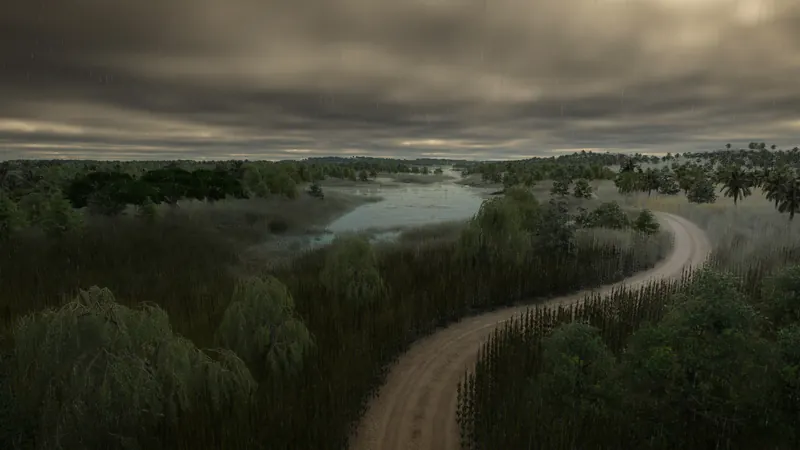
What to check and change
- Choose what you want to keep stable. For a clear screenshot or readable construction scene, decide whether the problem is rain/cloud cover or nighttime lighting. These are separate controls; changing one does not prove that the other is fixed.
- Select the weather behavior. Use the weather control provided by your build to choose fixed conditions or dynamic changes. Fixed weather is the announced way to hold a preferred condition instead of letting it alternate. We do not claim a specific final menu path or keyboard shortcut.
- Select the time behavior. Choose a fixed time for consistent daylight or moonlight, cycling time for changing lighting, or real-time synchronization if that is your preference. This is visual time of day, not a claim that economic calendar progression stops.
- Observe the result and change one setting at a time. Watch the same scene long enough to distinguish a fixed setting from a temporarily clear or bright moment in a cycle. If you still see changing light, check the time mode; if clouds keep changing, check the weather mode.
- Keep gameplay and atmosphere separate. Do not infer cargo deadlines, passenger schedules or maintenance effects from a darker scene. Use the delivery checks for late cargo and the mode settings for economic constraints.
Official pre-release footage. Older plans may change; the written answer states what is established and what still needs a build check.
How to tell it worked
The observed lighting and weather follow the selected fixed or changing behavior. In fixed mode, the scene stays suitable for the intended building or viewing session; in a cycle, the atmosphere changes as intended.
If you are still stuck
- The world is still too dark: Review both the fixed time and weather choice. Nighttime and cloud cover are different sources of darkness.
- Sounds changed with rain or night: The announcement links ambient sound to weather and time. A different soundscape alone does not establish a gameplay fault.
- The setting cannot be located in your build: Consult the actual environment settings and build documentation. The published source establishes the choices but not the final navigation; do not follow a TF2-only shortcut.