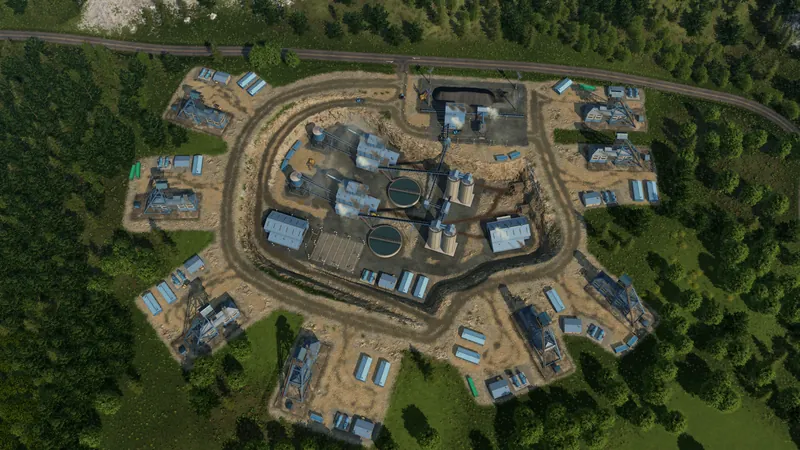
Why the station can look empty
Urban Games says TF3 cargo is not assigned a destination when produced and waits at the origin. A truck can collect it from the industry's built-in dock. A separate station within the industry's catchment is another loading option; that station can load faster, but simply building one does not move the waiting stock onto its platform. This differs from looking for goods to appear at a station before a vehicle arrives.
Find the missing link
- Open the producer and expand Output Stocks. Confirm that the intended product is actually stored there. Input stock or a theoretical production maximum is not cargo ready for pickup. If output is empty, diagnose production and its inputs first.
- Select the actual loading stop. Use a compatible industry loading point or a separate cargo station whose catchment includes the producer. With the station selected, blue highlights indicate cargo access and white indicates both cargo and passenger access. An industry outside this highlight is not connected merely because it is visually close.
- Match the vehicle and configure this pickup. Check its supported cargo type. In Line Manager, select the line, find the origin stop and open Configure stop or click its cargo icons. Enable the product you want to collect and choose its capacity target. Inspect each occurrence of a repeated stop separately.
- Follow one arrival and departure. Compare the producer output stock and the vehicle cargo before and after loading. Then verify a usable consumer or warehouse handoff at the next delivery stop. Collecting cargo without somewhere to accept it can leave the vehicle occupied on its next pickup.
Industries & Cargo
Origins, cargo categories, loading infrastructure and transfers.
Watch on YouTube ↗Official pre-release overview. Use the written checks for this task; older videos may describe plans that later changed.
How to tell it worked
The relevant signal is cargo leaving the industry and appearing on the assigned vehicle. The developer's overlays can show waiting and in-transit amounts. Do not use an empty station platform as the only measure of whether the industry produces.
If it still does not load
- No cargo waiting at the industry: use the production and booster check before changing your station. An empty origin is a different problem from cargo waiting in the wrong place.
- Cargo waits, but the vehicle stays empty: check the actual loading point and station catchment, then match the vehicle to the cargo category.
- Cargo boards, but a second line stays empty: follow the handoff. TF3 needs warehouse storage for many transfers between lines. See the ship-to-truck fish example for the separate transfer problem.
Use the visible cargo highlight and the actual stop settings instead of an assumed distance. Cargo and passenger access use different rules: passengers also need a valid walking route.
If compatible vehicles already collect cargo but queue for a long time, use the slow-loading checklist. That is a throughput problem, separate from an empty pickup.