SEA → ROAD01
Fish will not move from ship to truck
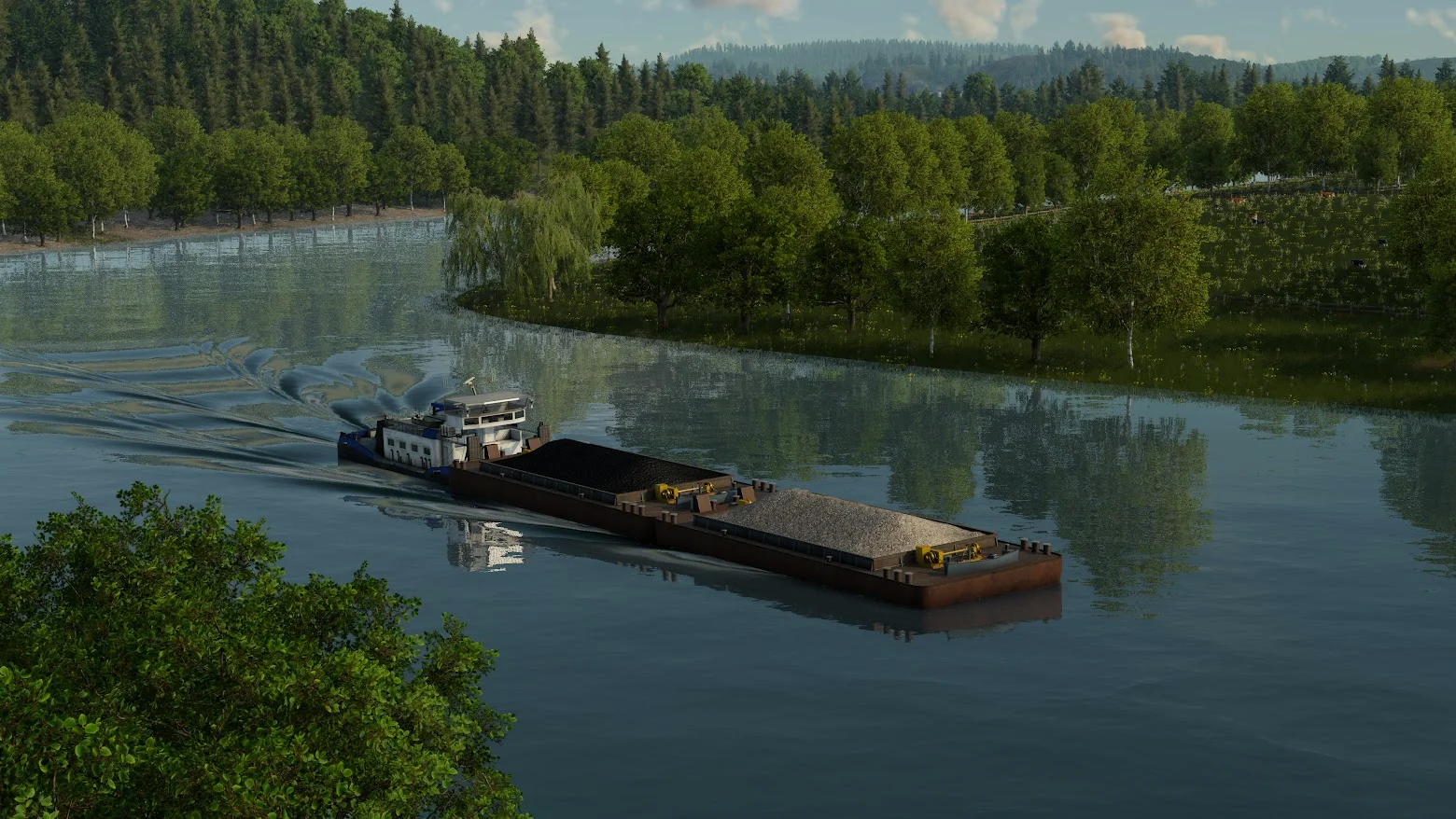
Check the ship line’s load and unload direction before looking at the harbor transfer. A ship that has no fish and a port that cannot store fish are separate problems.
Known ruleTransfer between lines needs warehouse storage; the port itself does not store the cargo.
Follow the repair steps →
Developer answer ↗
PEOPLE → PRODUCTION02
Workers are not reaching an industry
The developer confirms that people from nearby towns can raise an industry’s output. Preview footage shows passenger routes reaching fishing grounds and a farm.
What to checkFollow the passenger journey to the industry, then read the worker booster on its panel.
Follow the passenger route →
Developer cargo blog ↗
INDUSTRY → VEHICLE03
The station has no cargo
In TF3, produced cargo waits at the industry until a vehicle collects it. Check the producer, loading point and vehicle before treating an empty station as a production failure.
Known ruleAn industry can load vehicles at its own dock; a separate station must be in its catchment.
Trace the pickup →
Developer cargo blog ↗
LINE → WAREHOUSE → LINE04
Cargo stops at a transfer
Trace an incoming vehicle, warehouse stock and the next vehicle. A platform or port alone does not store cargo for another line.
First checkFind the first place cargo disappears. If the inbound vehicle is empty, repair pickup before storage.
Trace the warehouse handoff →
Developer transfer answer ↗
LOAD → VEHICLE TYPE05
The vehicle will not load this cargo
TF3 has four cargo categories. Check whether the vehicle and any specialized loading module match the cargo, or run a universal vehicle to test the route.
Four classesLiquid · bulk · flatbed · goods. The developer gives examples for each; a complete release-build vehicle list is still to come.
Match cargo and vehicle →
Developer cargo categories ↗
DELIVERY → CITY RATING06
Cargo arrives late
Late goods still earn revenue, but lower the receiving city's Delivery rating. Trace one load and find its slowest leg.
Known effectPayment and city growth are different outcomes; exact time limits and rating weights still need release checks.
Check a late load →
Developer city-growth blog ↗
CITY → GROWTH XP07
The city is not growing
Check completed passenger trips and required-goods deliveries, then find which of six ratings limits the growth experience.
Two checksIs the city earning XP, and are reputation, satisfaction, Delivery, traffic, noise or pollution holding it back?
Diagnose city growth →
Developer city-growth blog ↗
INDUSTRY → OUTPUT08
The industry produces too little
Separate weak production from finished cargo waiting at the origin. Check workers, farm or mine boosters, then pickup capacity.
First checkIf stock is already accumulating, repair collection before adding a production booster.
Diagnose low output →
Developer booster rules ↗
TOWN DEMAND → MAP09
The industry is not on the map
TF3 starts with only the industries needed by current town demand. Check growth stage and climate before searching for a later supply chain.
Known ruleNeeded industries appear as new end-product demand develops; exact spawn timing is unpublished.
Check industry availability →
Developer industry tree ↗